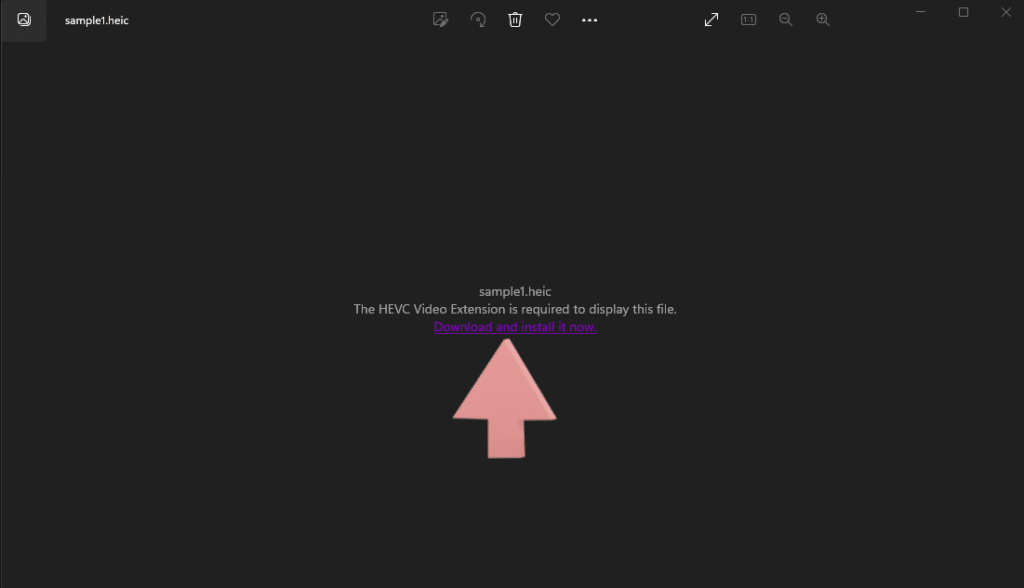
Sometimes, it can be annoying to work between popular computer manufacturers. Especially when trying to use Apple file formats on Windows computers. HEIF and HEIC files are prime examples of this. Yet, it’s now easier than ever to open HEIC files on a Windows computer. Follow our step-by-step guides below to learn how to open […]
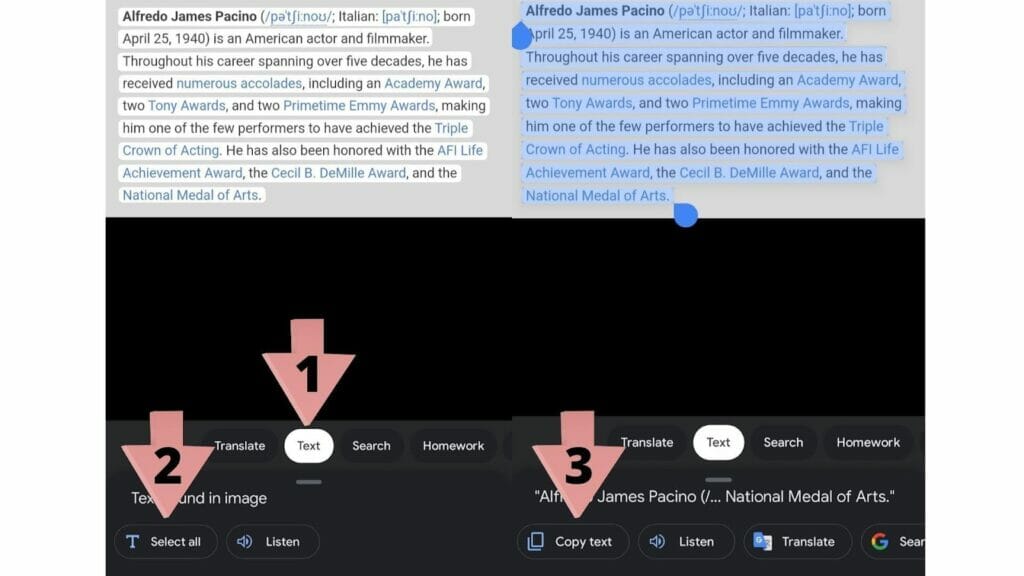
Copying text from a picture might sound simple, but it can be tricky – especially if there’s an unusual layout. Whether it’s plain text, a phone number, an email, or full paragraphs, we’ve got you covered. In this article, we’ll discuss how to copy text from a picture. No matter your browser or device, our […]
iOS users can send and receive messages on iMessage for iPhone and seamlessly pick up the same conversation on their MacBook. However, there are a lot of users that may have an iPhone but have a Windows PC as their computer. To use iMessage on their PC, they have to look for other alternatives as […]
Ever since its launch in 2008, Google Chrome has amassed 64.53% of the desktop browser market share. That’s a crazy number, considering the next closest competitor is Apple’s Safari, dialing in at 18.84%. The numbers on mobile aren’t that much different, either. On mobile devices, Chrome sits at 63.27%, while Safari comes in at 24.8%. Google Chrome’s […]
If you use Outlook for emails, there are bound to be times when you are out of the office for a few days. You may need to inform your contacts about your unavailability during these days. Sending an email to every single can become very tedious. Luckily, we will show you how to create an […]
It can be surprising just how beneficial journaling can be. It’s a habit that can help boost your mood and well-being even when only done a few minutes per day. It’s an underrated habit that many just never take the time to develop since it may feel unnecessary. But keeping a journal can be more […]
You can share your Wi-Fi passwords using the following methods: Windows – You can view the password in the Control Panel’s Network and Sharing Center for Windows or through a third-party program. Android – The passwords can be viewed in the Wi-Fi settings and shared using a QR code. iOS – Apple doesn’t provide an option to view […]
People often need to take screenshots for work. Other times you may just need to take one to share something with a friend. In any case, they’re a useful tool on any device. If you are using Windows 11, there are a few ways to take one. Read on for ten easy methods of how […]
Opening up your task manager and seeing 100% Disk Usage in Windows 10 can be horrible. Not only is it currently slowing your computer down, but it could also be causing damage by jostling the spinning components of a disk drive. If left unchecked for long periods, this issue can also create too much heat […]
Access All
Free Templates
Enjoy our custom-made Google Sheets templates for free via email access







![How to Screenshot on Windows 11 [10 Easy Tricks]](https://productivityspot.com/wp-content/uploads/2021/11/pasted-image-0-6-1024x498.png)
