

Easy IF Function Google Sheets Guide (With 8 Examples)
The IF function in Google Sheets can be used when you want to check a condition and then based on it, returns a specified value if it’s TRUE, or else
The IF function in Google Sheets can be used when you want to check a condition and then based on it, returns a specified value if it’s TRUE, or else

If you work with data in Google Sheets, sorting is a feature you would need quite often. In this tutorial, you’ll learn how to sort in Google Sheets. Sort in
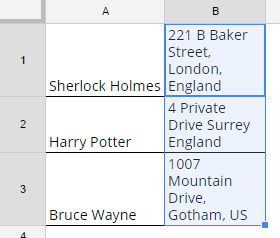
Google Sheets is not only about numbers in data. Some people also use it to manage text data like comments on a business page or responses to a questionnaire. However.

I’ll be upfront with you: There is no straightforward way to insert bullet points in Google Sheets. Maybe there just hasn’t been enough demand for their developers to change it.

You can easily get a Word Count in Google Sheets. All you need is some know-how of the Text Functions (LEN and SUBSTITUTE). Word Count In Google Sheets – Method

I’m here to discuss how to remove duplicates in Google Sheets. This is a common issue. When you have replicated data and want to clean the results, you’ll need to