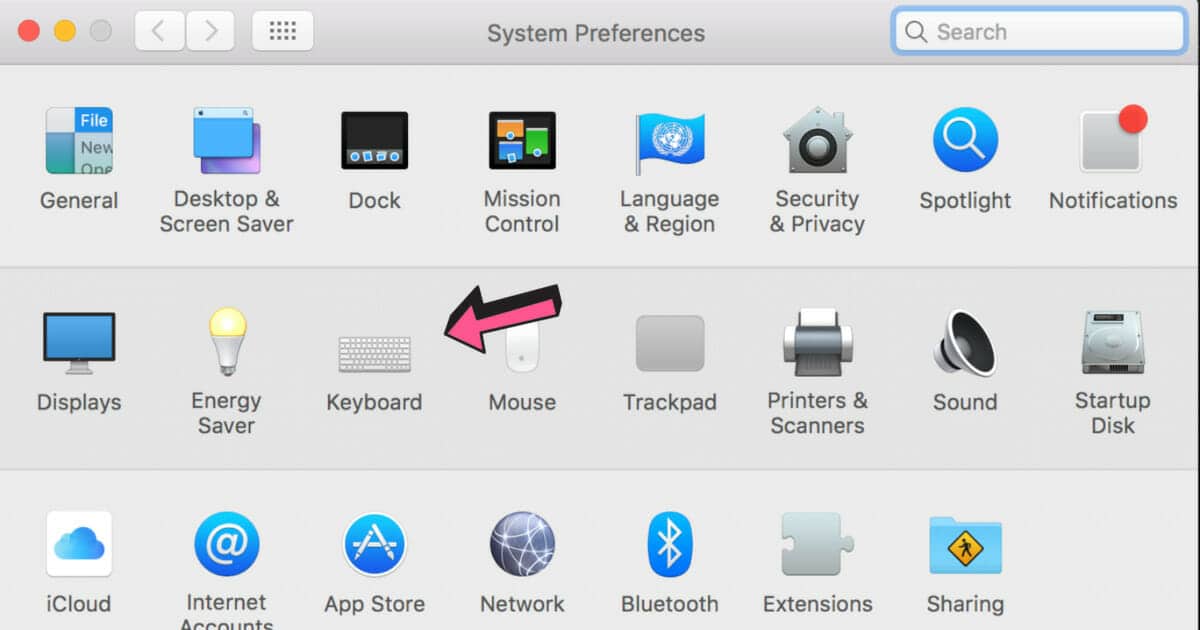
If you have ever wondered whether using a Windows keyboard on a Mac is possible, the answer is: yes. And if you wondered how difficult it would be to connect a Windows keyboard to a macOS system, the shortest answer would be: pretty easy. People usually opt for a Windows keyboard because it is more […]
Experiencing slow performance and high CPU usage on your Windows computer? One possible culprit might be the WMI Provider Host process. Dealing with high CPU usage can be frustrating, primarily when it affects your ability to work efficiently. Therefore, it’s vital to identify and fix the issue for smooth performance and productivity. In this article, […]
What Is Shell Infrastructure Host High CPU? If you’re a Windows user, you might have noticed that sometimes your system slows down and becomes unresponsive. Upon checking the Task Manager, you might have found that Shell Infrastructure Host uses a high percentage of your CPU and memory resources. This can be frustrating and can affect […]
Antimalware Service Executable is an essential component of Windows Defender, but it can also cause high CPU usage, resulting in sluggish performance. If you are wondering why is antimalware service executable running, here is a simple answer: Antimalware Service Executable is a core component of Windows Defender responsible for scanning and protecting your computer from […]
We recommend you simply unplug your router for a minute and reset your device. But, failing that, this guide will show you how to fix a problem with a wireless adapter or access point from a Windows device. Read on to find a solution that works. What Is a Wireless Adapter or Access Point A […]
HP printers are some of the best printers on the market. However, If you work in an office or an environment where you are constantly interacting with printers, then you may have come across certain errors with HP printers that won’t let you print even though everything seems to be well connected and the printer […]
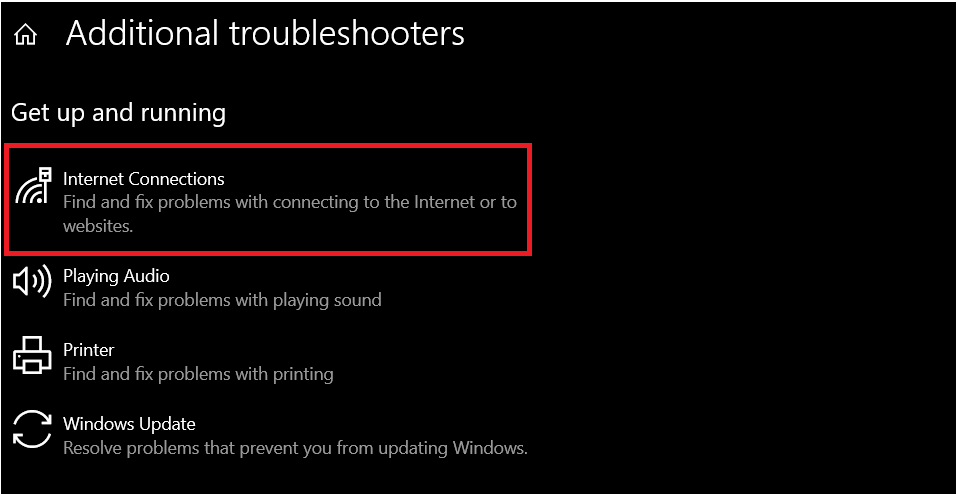
Having an issue where you see ethernet connected but no internet? I can help. Once you connecte your ethernet cable and you receive a notification saying “no internet access” (or something that’s similar to that), you’ll want a fix. That’s where I come in. Note that the most common is to simply check your connections […]
If you think patience is a virtue, try working with no internet access but you’re “connected” to the Wi-Fi network. We’ve all been there. It can get very frustrating when your internet starts acting up. Here’s what you need to know to fix the “connected with no internet” problem. Let’s cover the obvious thing first. […]
Who says you need to have several monitors to make your workflow easier in Windows 11 and 10? In this guide, we’ll show you how to split screen on Windows devices with little to no fuss at all. Read on for details step-by-step guides and GIFs. How to Split Screen on Windows 11/10 These steps […]
Are you sick of the stock background on your desktop monitors? Or maybe you have a single stretched out image across several screen. In either case, this guide will show you how to put a different background on each monitor on you Windows PC. Read on to learn all the simple ways you can do […]
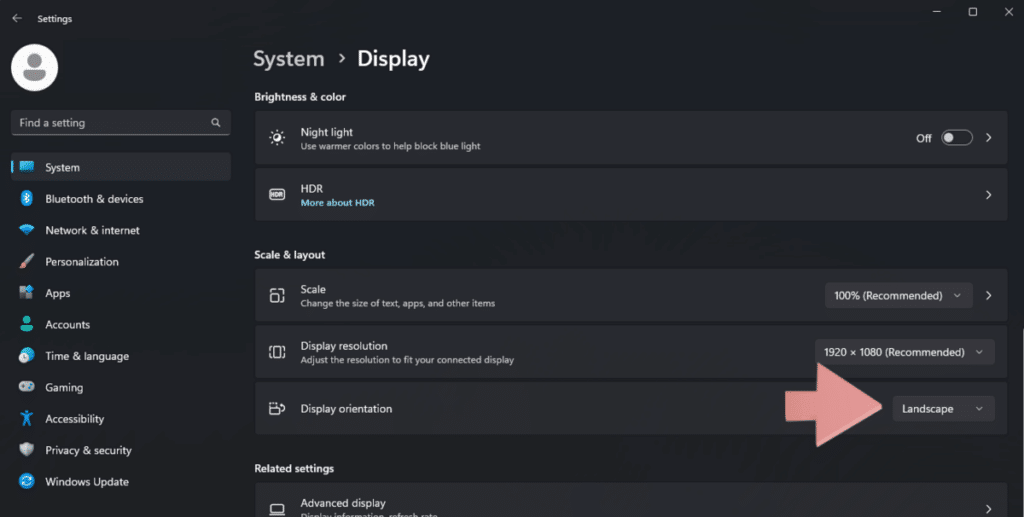
You may want to rotate a screen in Windows 10 for many reasons. But there are several ways to do it, and each may suit your specific desktop better. Whether you’re looking for a more permanent or temporary solution will affect which method you should use. Luckily for you, we will go through every way […]
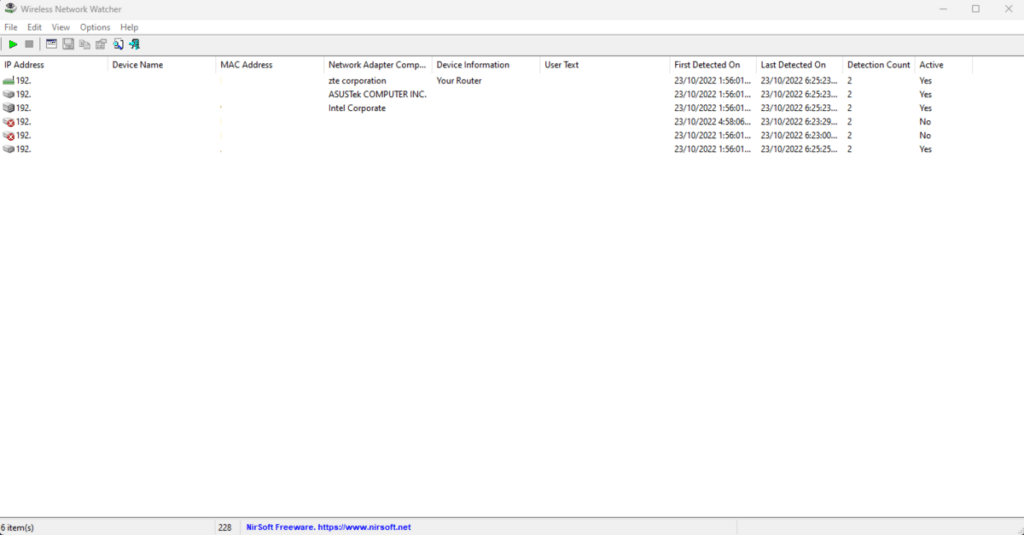
Are you paranoid that your neighbor is stealing your WiFi? Maybe you don’t want certain guests to have access to your network. Whatever the reason, you’re asking, “How can I see what devices are connected to my network?” This article will show you exactly how to check who is connected to your WiFi. We have […]
Access All
Free Templates
Enjoy our custom-made Google Sheets templates for free via email access